



 Practice Fusion
 AthenaHealth
 eClinicalWorks
 AdvancedMD
Telehealth that lives inside your EHR
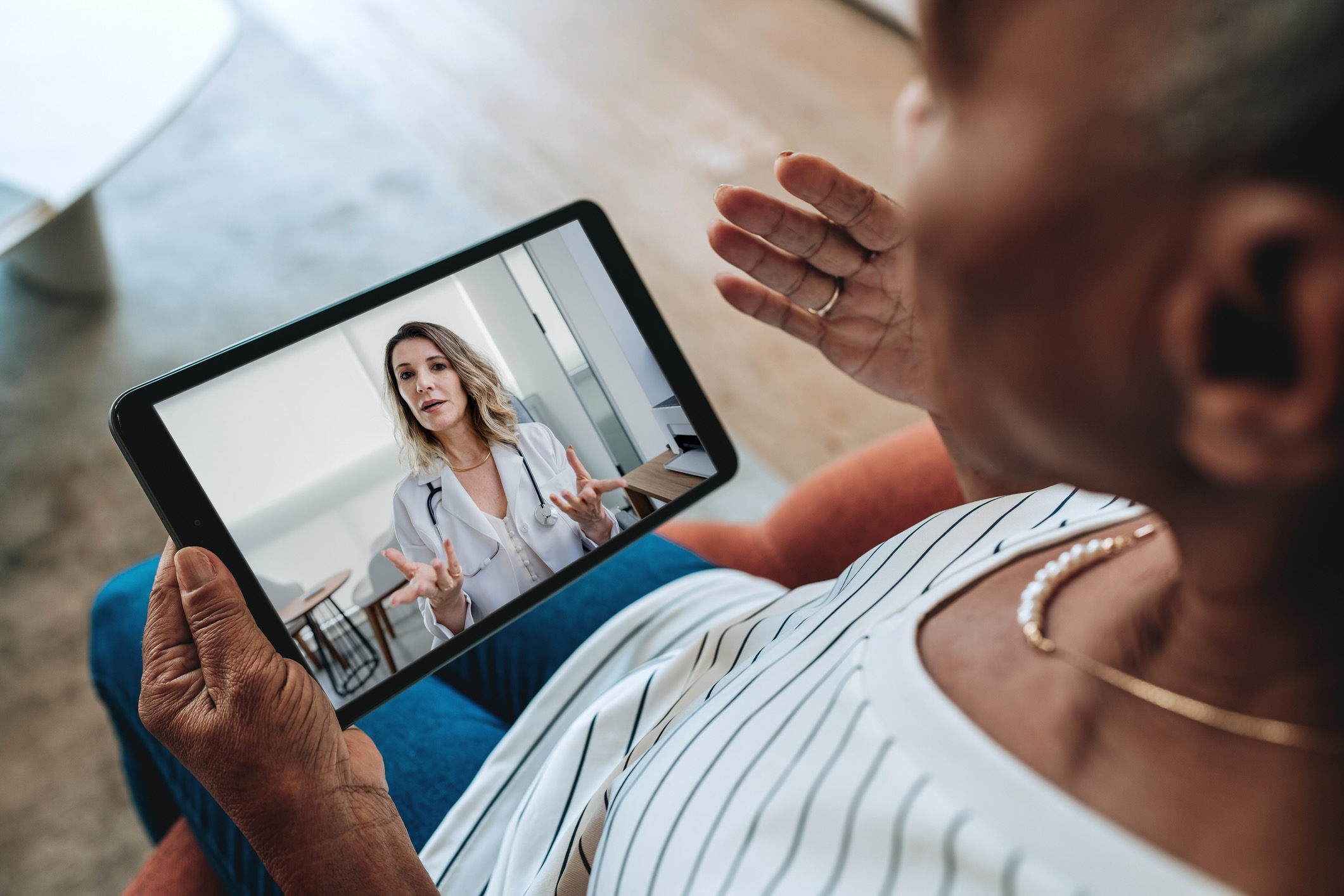
HIPAA-compliant video visits with AI scribe notes and schedule sync, launched from inside your EHR. On Practice Fusion, the note files itself into the encounter.
AI-powered documentation that saves providers hours every week
Supported EHR systems

How it works
From video visit to encounter note in three steps
Start from your EHR
Launch the visit from your EHR schedule or text the patient a link. They join in a browser with no app and no account.
AI writes the note
The scribe drafts a structured note in your own template, using the patient's history from the chart for context.
File to the chart
Review and edit the draft, then file it into the EHR encounter. On Practice Fusion this takes one click. On our other integrations, the provider places the note in the encounter.
The note is drafted by the time you hang up
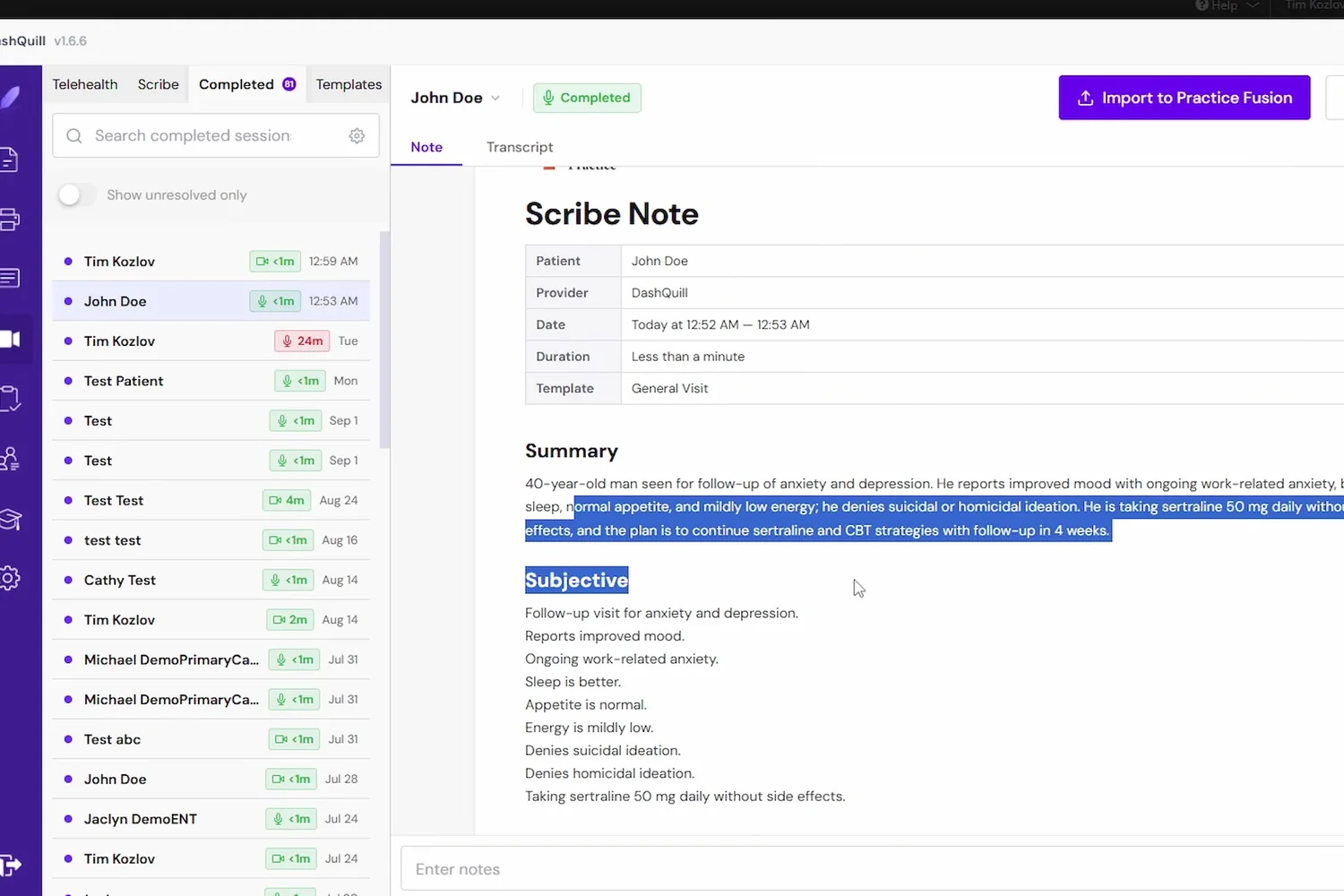
The scribe listens during the visit and writes a structured note in your own template.
- Summary, subjective, objective, assessment, plan, or whatever your template says
- Full transcript with each speaker identified
- Edit anything before it goes anywhere
- Templates are yours to upload and change
It knows the patient before you start
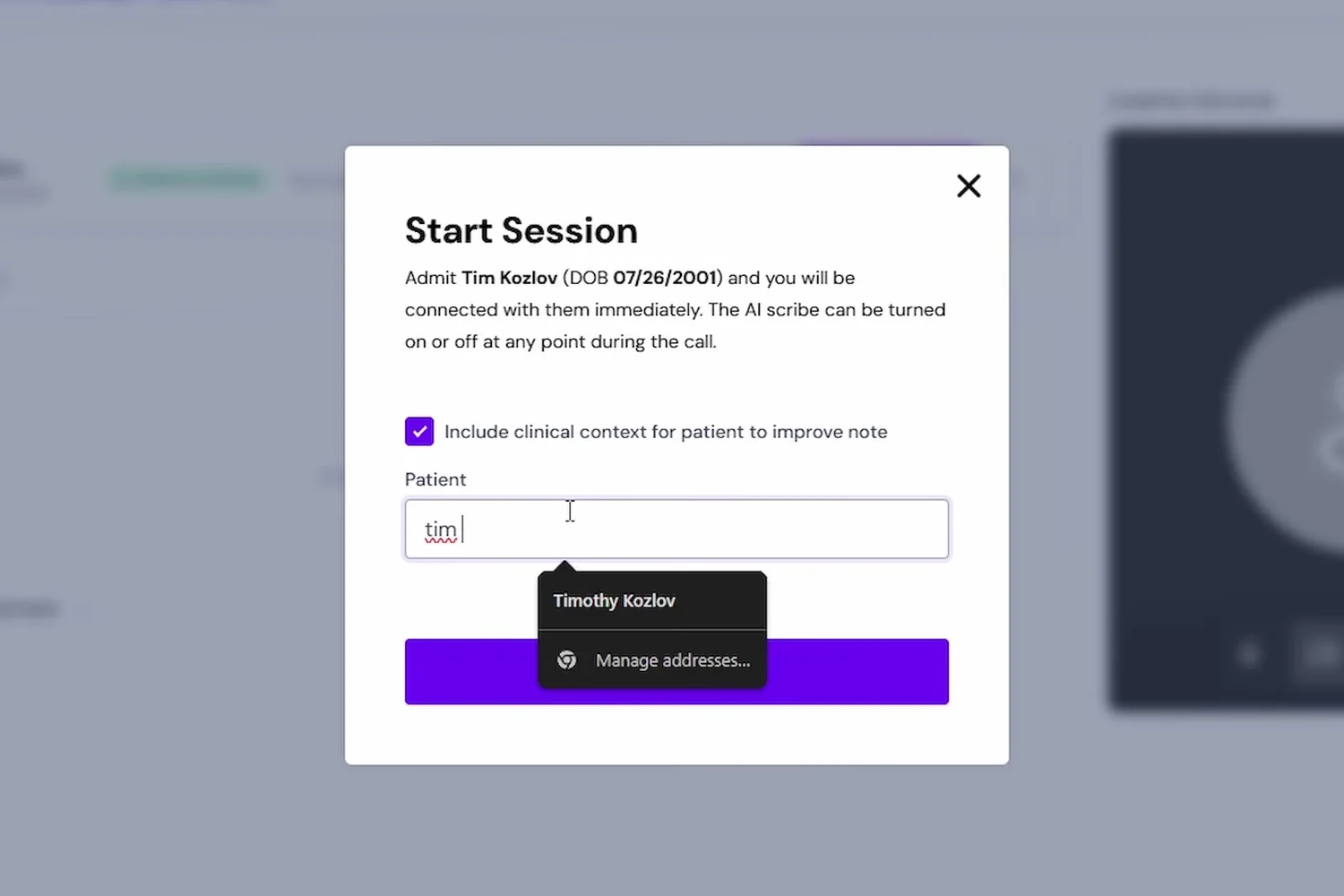
Pick the patient when you start the session and the scribe reads their chart.
- Medications, diagnoses and allergies inform the note
- Richer, more accurate drafts than transcription alone
- Choose which context to include per visit
- Works for video visits and in-person scribe sessions
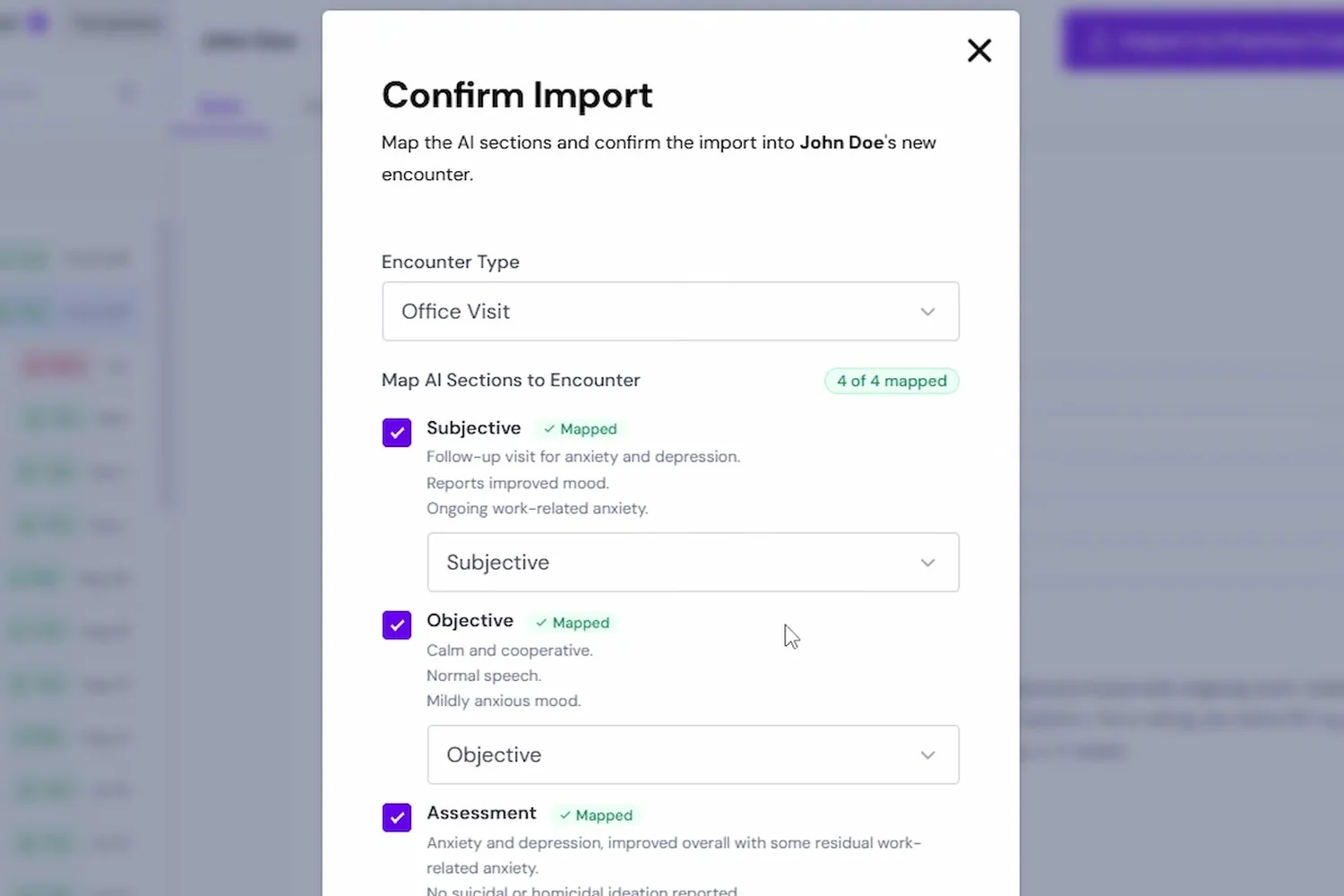
Files into the encounter
On Practice Fusion, one click creates or updates the encounter and places the note in it.
- Choose an existing encounter or create a new one
- Pick the encounter type and sections
- Nothing is filed until you confirm
- AdvancedMD, eClinicalWorks and AthenaHealth: paste the reviewed note into the encounter, with one-click filing coming soon
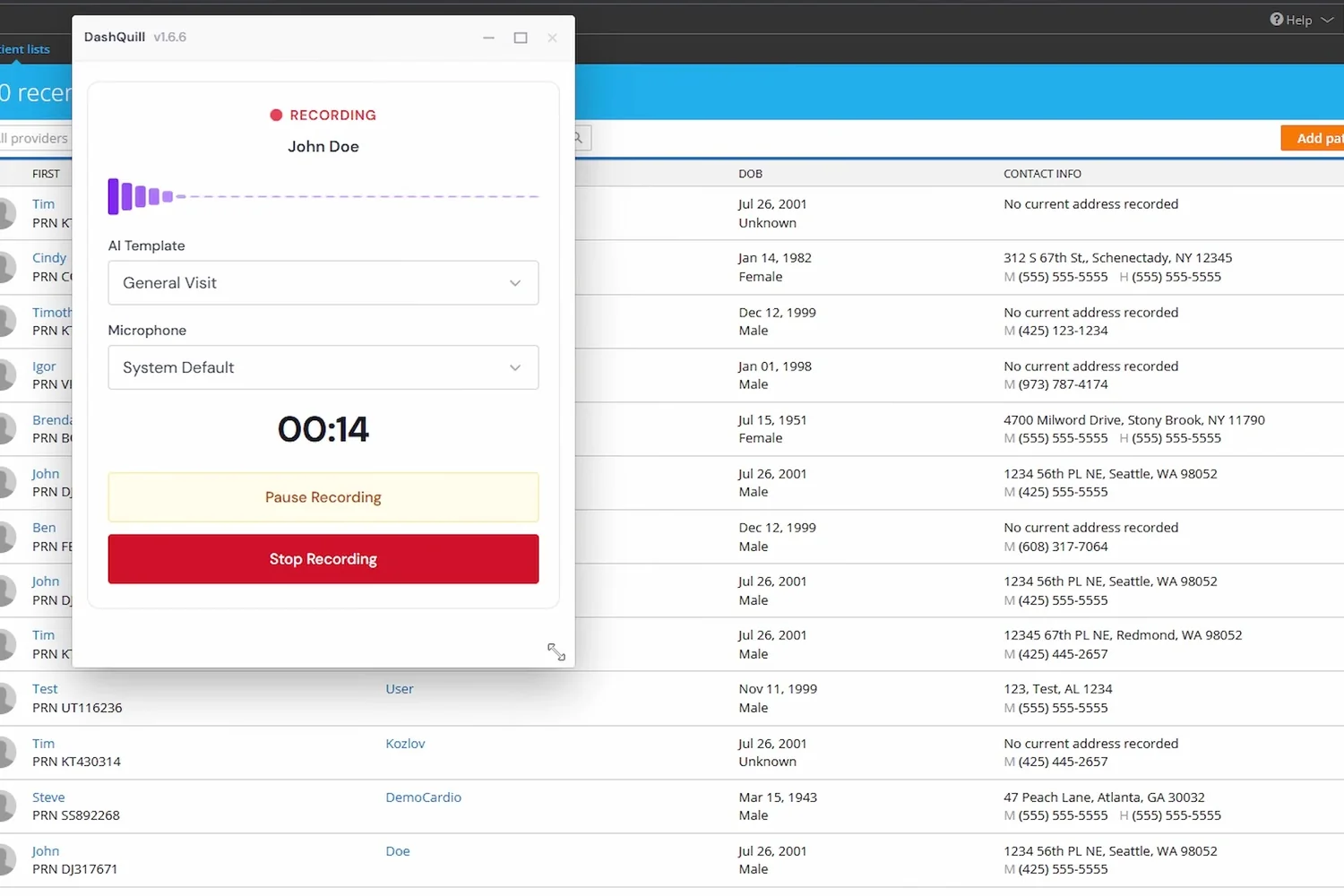
Scribe without the video call, chart without leaving the call
The same scribe runs from a microphone icon on the chart, and the call window minimises while you work.
- Dictate after the visit or record the room
- Resize or minimise the call and keep navigating the chart
- Patients join from a link with a device check and a knock
- No app, no account for the patient
What practices say about DashQuill

DashQuill has streamlined our front-desk intake with an intuitive, all-in-one platform that keeps our team from bouncing between cumbersome technology stacks. Their team is consistently responsive and supportive and the dedicated domains make external sharing of forms simple and professional.
DashQuill came through for us when we desperately needed help. Across our 70+ providers, their AI system sorts up to 120,000 faxes a month, turning what used to be a huge burden on our staff into something fast and reliable.

Partnering with DashQuill has been a game-changer for our practice. Their seamless integration into our EHR system brought immediate improvements in workflow efficiency, reducing administrative burden and allowing our team to focus more on patient care.

I've been using DashQuill's HIPAA-compliant forms with my EHR, Practice Fusion, and I'm very happy with them. The forms are easy for patients to complete and seamlessly integrate into my workflow.

Before DashQuill, we had to manually create a contact for every patient in our secure texting system. Now that contacts sync automatically from our EHR, we can reach out instantly without any setup. It's made patient communication far more convenient.

DashQuill cut our paperwork to near zero. Patient forms now flow directly into our EHR system, saving our team hours each week and streamlining check-ins. Implementation was painless, and within days our forms were auto-uploading.
DashQuill was recommended to us, and within two weeks we completed online training and went live. Tim and John provided excellent support throughout the process, and we appreciate that our calls are answered promptly whenever assistance is needed.
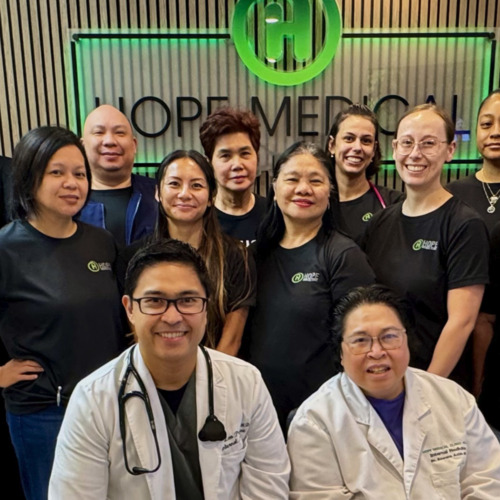
The tagging system in DashQuill Faxing has made it so much easier to stay organized. We can quickly sort and find faxes by type or patient, and it's been a huge help for our office. Really glad this feature is built in.
When our office got very busy during COVID in 2020, DashQuill's patient forms were a lifesaver. They made it easy to speed up our entire intake process, which saved our staff countless hours and helped us keep up with the surge in patients. We still use the same setup today.

The EHR integration for messaging has been great. It's so convenient having all our patient texts connected directly to their charts. We had a few hiccups when hosting our phone number, but the DashQuill team was incredibly helpful and got everything sorted quickly.
With DashQuill's faxing, we turned a paper-heavy process into a fast, digital workflow. Now we have less printing, fewer errors, and more time to spend with patients.
Frequently Asked Questions
Is DashQuill Telehealth HIPAA compliant?
Yes. DashQuill Telehealth is fully HIPAA compliant. All video visits are encrypted in transit and at rest, and we follow industry best practices including strict access controls, regular data backups, and comprehensive audit logging. A Business Associate Agreement is included as part of standard onboarding.
How is DashQuill Telehealth different from other video visit platforms?
Most telehealth platforms are standalone tools that require separate logins and manual documentation. DashQuill Telehealth lives inside your EHR. Video visits launch from your schedule, and AI scribe notes are generated automatically. On Practice Fusion, one click creates the encounter and files the note into it. No switching between systems or copy-pasting notes.
How does the AI scribe work during a visit?
The AI scribe listens to the conversation in real time and generates structured clinical notes based on your templates. It identifies each speaker and creates a per-speaker breakdown. After the visit, you review and edit the note before it goes into the encounter. On Practice Fusion, that import takes one click.
Can I customize the note templates?
Yes. You can upload your own note templates or edit the default ones to match your preferred documentation format. The AI scribe will use your templates to structure its output, so notes are ready for the encounter without reformatting.
What are AI insights and how do they work?
AI insights provide separate summaries for the provider and patient portions of each conversation, plus a combined summary for the full clinical picture. Full transcriptions are available for every visit, and the system tracks per-provider and per-patient insights over time to help identify patterns.
How do patients join a telehealth visit?
Patients receive an invite link with the correct date and time via DashQuill's patient chat or other messaging. They click the link to join the video visit from their browser. No app download or account creation is required.
How does the schedule sync work?
DashQuill Telehealth pulls appointment times directly from your EMR schedule. When a telehealth visit is scheduled, the system automatically generates invite links with the correct date and time. No manual scheduling or third-party calendar tools are needed.
How long does onboarding take?
Telehealth is one of our fastest services to start. Most practices can be live the same day. You select the service and create your account. Adding DashQuill to your EHR takes just a few minutes, and you can do it yourself. If you'd rather have help, we're glad to walk you through it on a call, configure your note templates with you, and train your staff.
What the scribe can do in your EHR
Reading chart context and writing the note back are the two things that vary most between EHRs. Practice Fusion is currently the only one where both are live.
See it in 15 minutes. No commitment.
A quick, no-pressure demo of DashQuill Telehealth. Ask anything, see how it fits your workflow, and walk away with a personalized quote.