




 Practice Fusion
 AthenaHealth
 eClinicalWorks
Patient Texting that integrates with  AdvancedMD
Patients text the number they already call, and every reply lands in one shared inbox. Contacts are built from your AdvancedMD records, so there is no second address book to maintain. A conversation can be filed to the chart when it matters clinically.
How it works
A front desk answering the phone cannot also be watching four messaging tools. One inbox is the whole point.
Set up the number
Add texting to the office line patients already dial, or take a separate number. Enabling texting on an existing line does not disturb voice calls.
Message from the record
Start a conversation from the patient's AdvancedMD profile, with the contact built from the record rather than transcribed by hand.
Work one shared queue
Replies land in an inbox the whole practice can see. A thread can be assigned when a specific person needs to handle it.
What practices say

DashQuill has streamlined our front-desk intake with an intuitive, all-in-one platform that keeps our team from bouncing between cumbersome technology stacks. Their team is consistently responsive and supportive and the dedicated domains make external sharing of forms simple and professional.
DashQuill came through for us when we desperately needed help. Across our 70+ providers, their AI system sorts up to 120,000 faxes a month, turning what used to be a huge burden on our staff into something fast and reliable.

Partnering with DashQuill has been a game-changer for our practice. Their seamless integration into our EHR system brought immediate improvements in workflow efficiency, reducing administrative burden and allowing our team to focus more on patient care.

I've been using DashQuill's HIPAA-compliant forms with my EHR, Practice Fusion, and I'm very happy with them. The forms are easy for patients to complete and seamlessly integrate into my workflow.

Before DashQuill, we had to manually create a contact for every patient in our secure texting system. Now that contacts sync automatically from our EHR, we can reach out instantly without any setup. It's made patient communication far more convenient.

DashQuill cut our paperwork to near zero. Patient forms now flow directly into our EHR system, saving our team hours each week and streamlining check-ins. Implementation was painless, and within days our forms were auto-uploading.
DashQuill was recommended to us, and within two weeks we completed online training and went live. Tim and John provided excellent support throughout the process, and we appreciate that our calls are answered promptly whenever assistance is needed.
The tagging system in DashQuill Faxing has made it so much easier to stay organized. We can quickly sort and find faxes by type or patient, and it's been a huge help for our office. Really glad this feature is built in.

When our office got very busy during COVID in 2020, DashQuill's patient forms were a lifesaver. They made it easy to speed up our entire intake process, which saved our staff countless hours and helped us keep up with the surge in patients. We still use the same setup today.

The EHR integration for messaging has been great. It's so convenient having all our patient texts connected directly to their charts. We had a few hiccups when hosting our phone number, but the DashQuill team was incredibly helpful and got everything sorted quickly.
With DashQuill's faxing, we turned a paper-heavy process into a fast, digital workflow. Now we have less printing, fewer errors, and more time to spend with patients.
Runs inside the AdvancedMD PM, not beside it
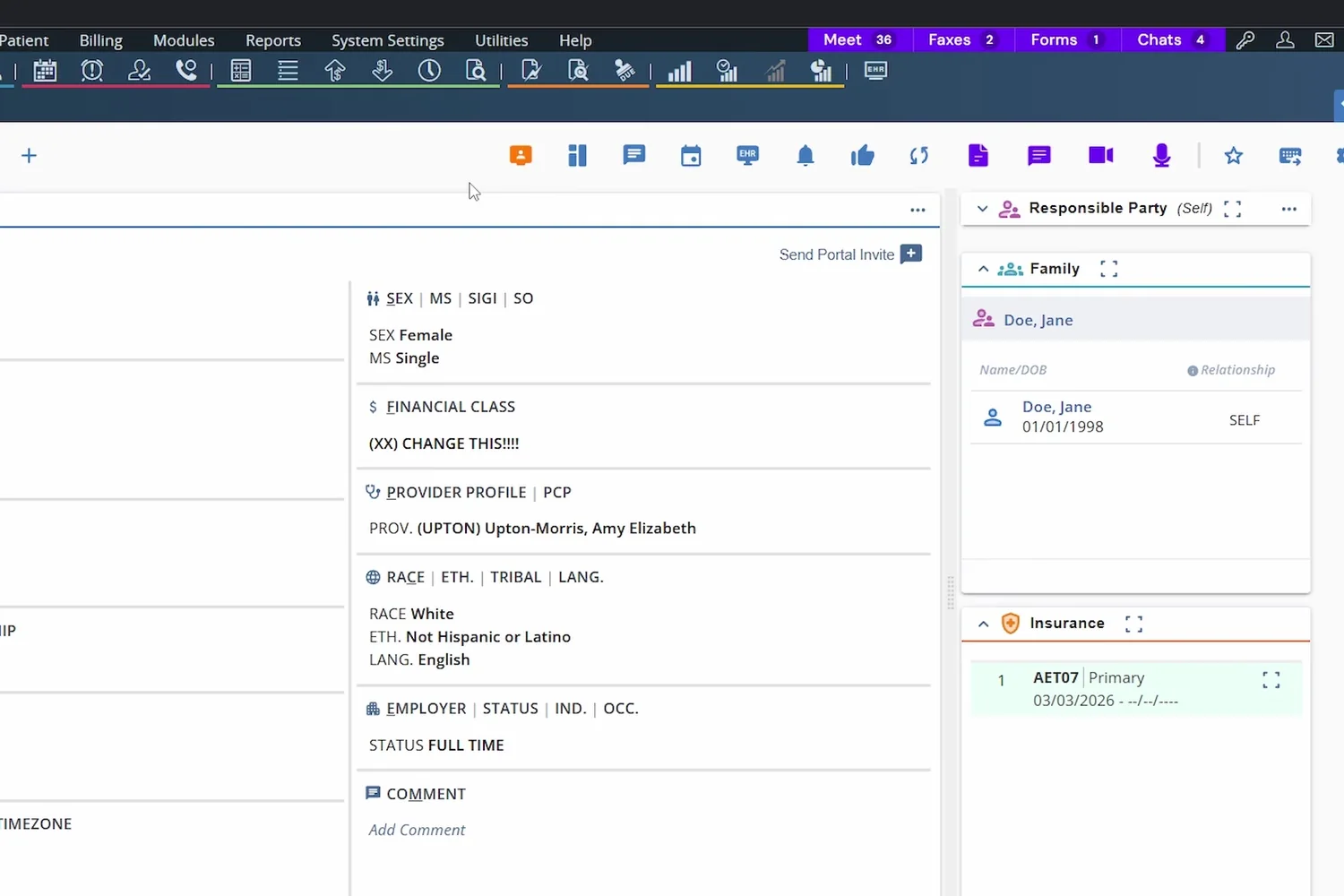
A Chrome extension adds Meet, Faxes, Forms and Chats buttons to the AdvancedMD PM top bar, with unread counts. Each one opens DashQuill over the screen you are already on.
- Buttons live on the PM side, where the front desk already works
- Opens as a window you can resize, move and minimise
- Same AdvancedMD login, no second tab or password
- Installed in minutes with a page reload; we walk you through it on a call
Templates for the questions that never stop
Directions to the office, what to bring, how to prepare for a procedure: the same handful of answers, twenty times a week. Saved templates turn each one into a single click.
- Saved templates for repeated questions and instructions
- Auto-create contacts from AdvancedMD patient charts
- Message a patient from their AdvancedMD profile
- One-way broadcasts or full two-way conversations
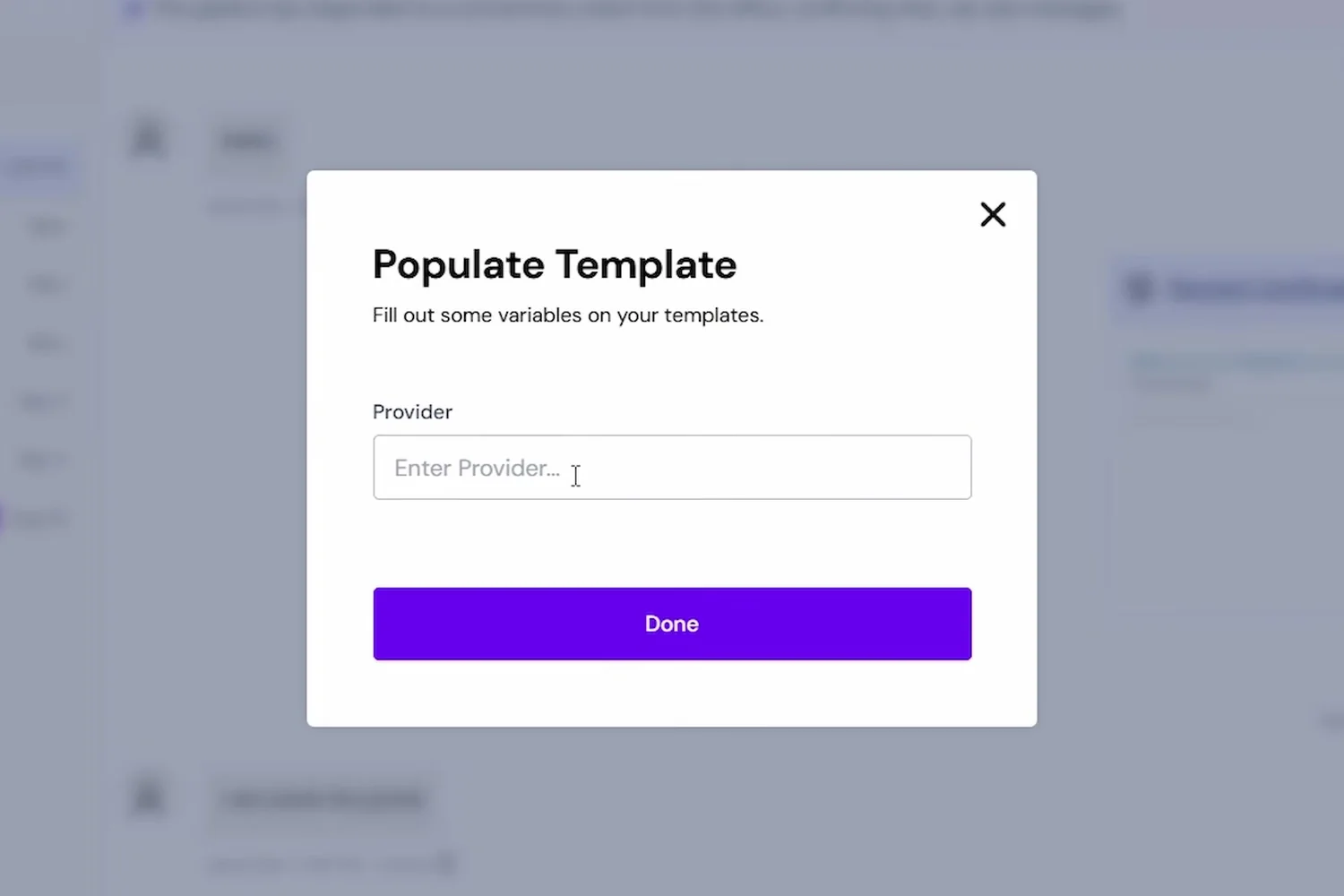
Deciding what belongs in the record
Confirming an appointment time does not need to be in the chart. A patient describing symptoms does. Exporting is a deliberate action so the record does not fill up with logistics.
- Export a conversation and attach it to the AdvancedMD chart
- Import files and photos from a thread into the chart
- Clinical images stay off personal devices
- Routine scheduling messages can stay out of the record
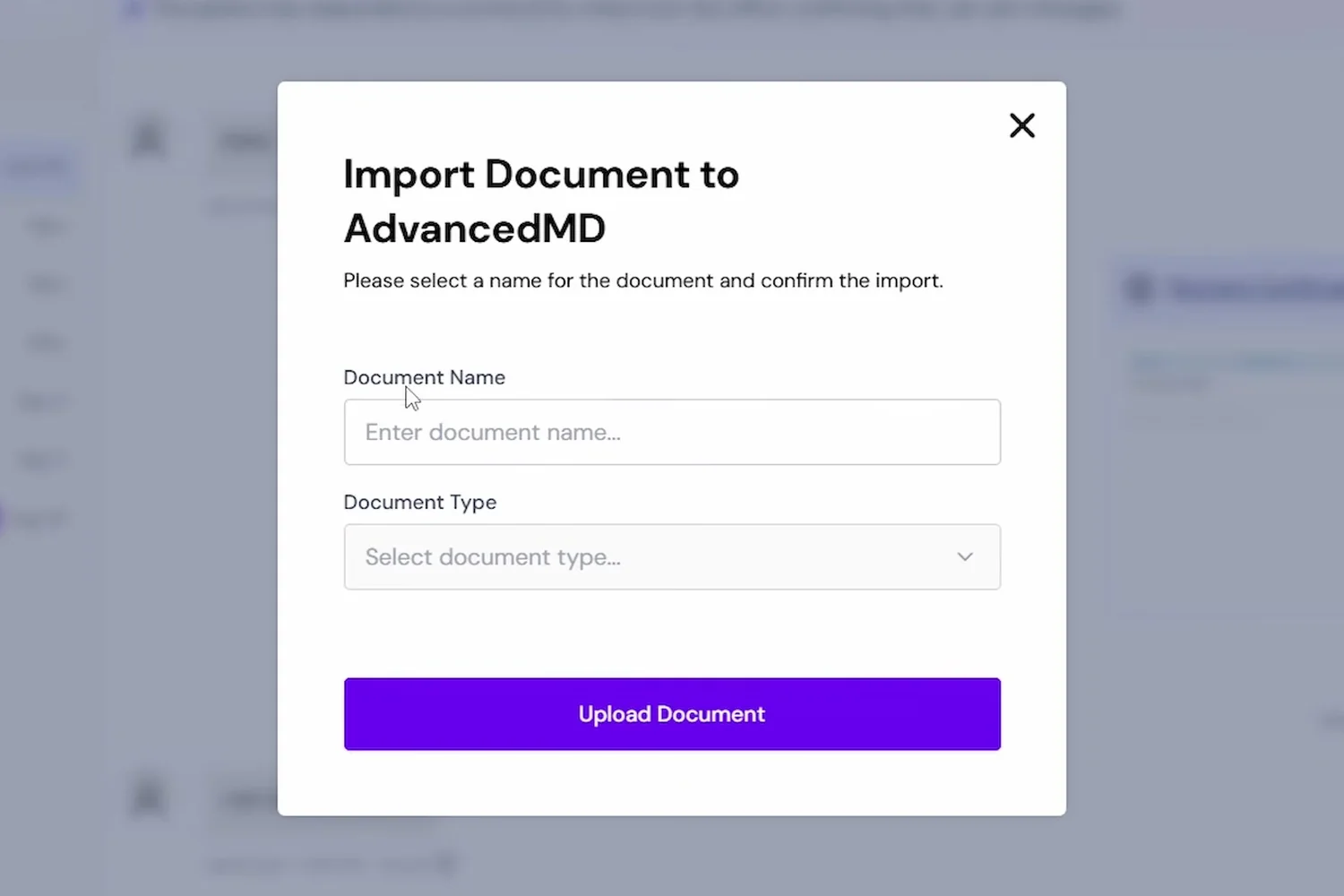
Patient messaging in AdvancedMD
Messaging is identical across all four supported EHRs. These same five rows appear on every integration, AdvancedMD included.
| Number | Capability | Status |
|---|---|---|
| Text patients without leaving AdvancedMD | Included | |
| Message a patient directly from their AdvancedMD profile | Included | |
| Auto-create contacts from AdvancedMD patient charts | Included | |
| Export a conversation and attach it to the AdvancedMD chart | Included | |
| Import files from a conversation into the AdvancedMD chart | Included |
Questions we get asked first
The things AdvancedMD practices want settled before a demo.
Can patients text the number they already call?
In most cases, yes. Texting can be enabled on the existing office line without affecting voice service. That matters because texts from an unfamiliar number get ignored.
Who sees a patient reply?
Everyone with access to the shared inbox, so nothing sits unread because one person is away. Conversations can be assigned when a particular staff member needs to own one.
Do patients need an app?
No. They use the messages app already on their phone. Clinical content is delivered through a secure link that verifies identity, which still involves no account or password.
Does the conversation reach the AdvancedMD chart?
When you export it. The thread attaches as a document, and any files can be imported separately. Nothing is written to the chart automatically.
Is it HIPAA compliant?
Plain SMS is not a protected channel, which is why clinical detail goes through the identity-verified secure message. We sign a Business Associate Agreement, and the HIPAA compliance page covers the specifics.
More on DashQuill and AdvancedMD
See it in 15 minutes. No commitment.
A quick, no-pressure demo of DashQuill patient texting for AdvancedMD. Ask anything, see how it fits your workflow, and walk away with a personalized quote.